Key Event Information
Competition dates:
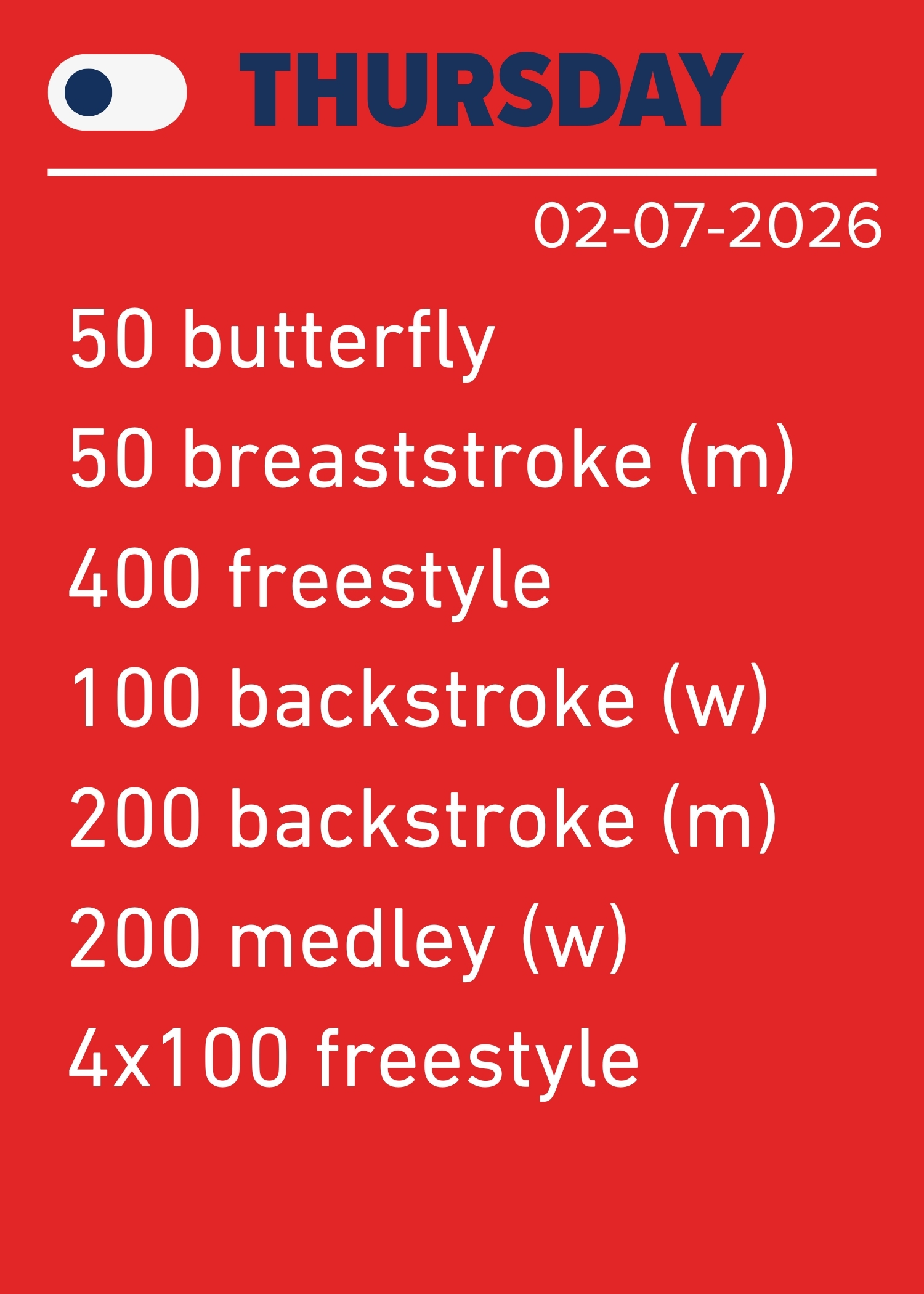
- Thursday 02-07-2026
- Friday 03-07-2026
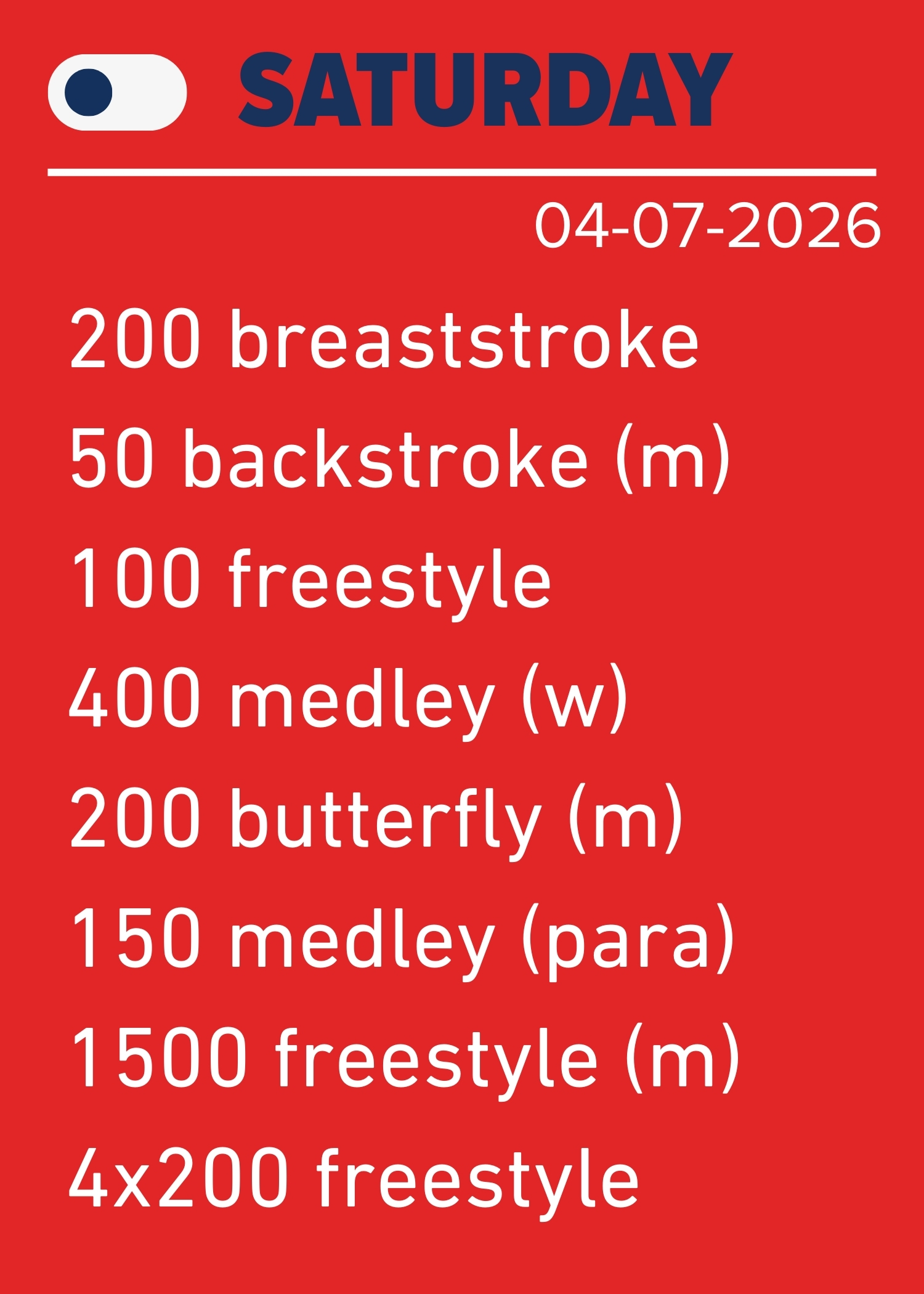
- Saturday 04-07-2026
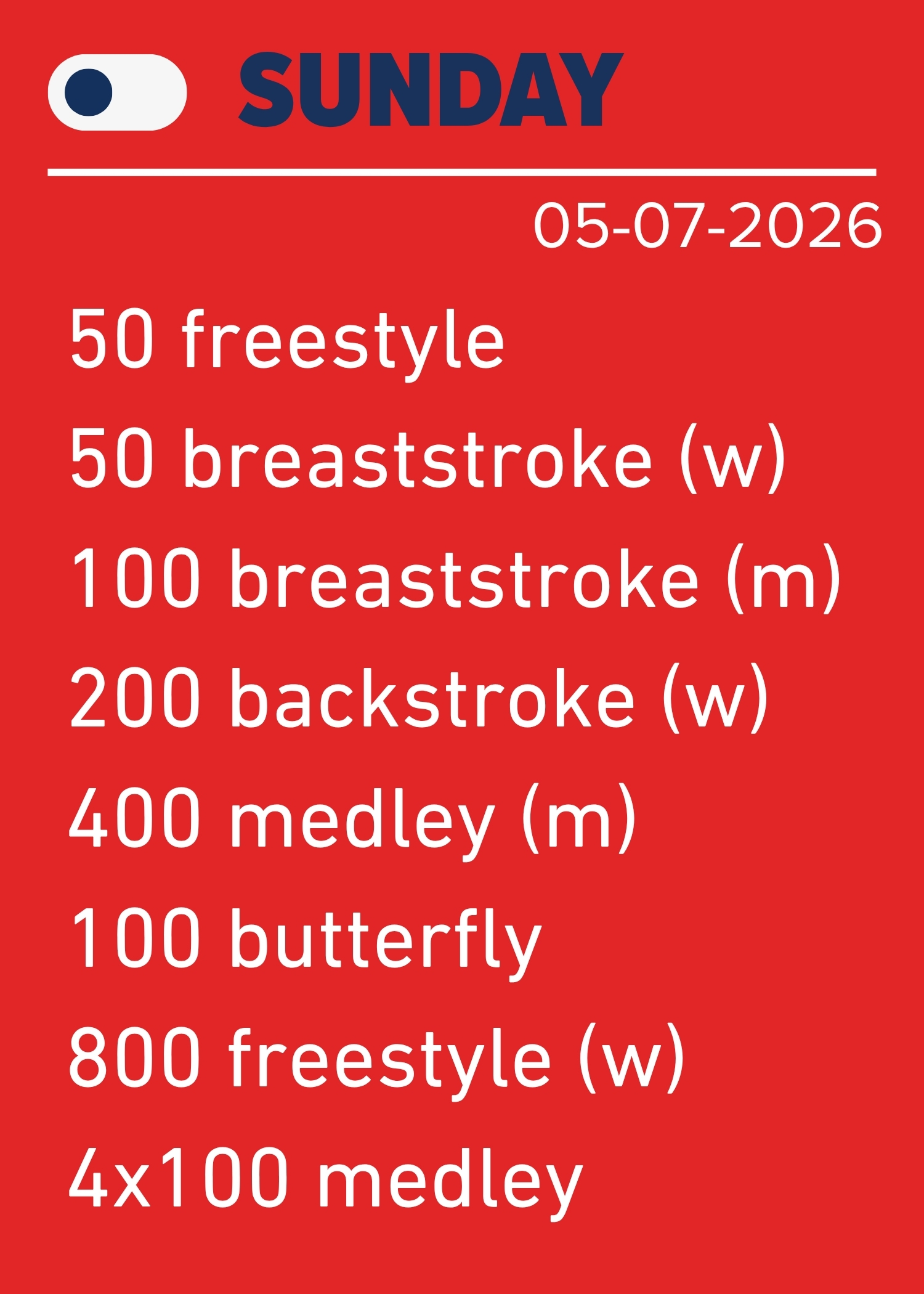
- Sunday 05-07-2026
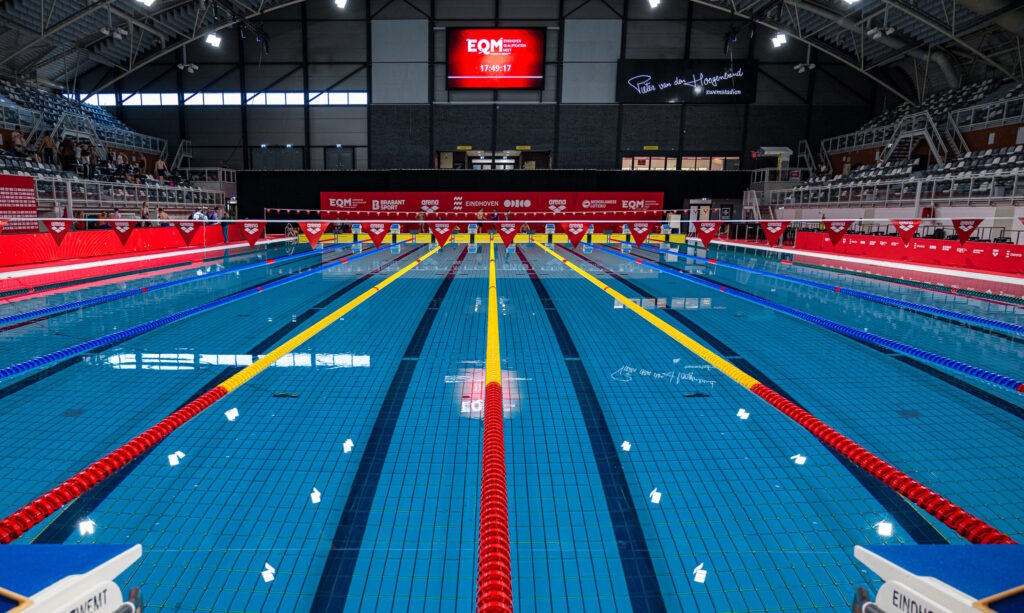
Venue: Pieter van den Hoogenband Swimming Stadium
City: Eindhoven, The Netherlands
Course: Long course (50m)
Electronic Time system: Omega
Video Assistant Referee: Yes
Qualification limits: Can be found in the competiton pack
Schedule and time table

Featured athletes

 Arne Schubert
 Arno Kamminga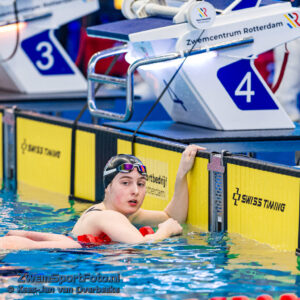
 Blythe Kinsman
  Caspar Corbeau
 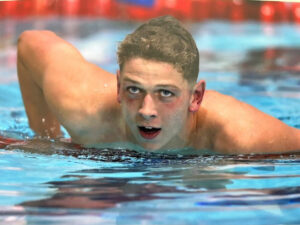 David Annis
 Eszter Szabo Feltothy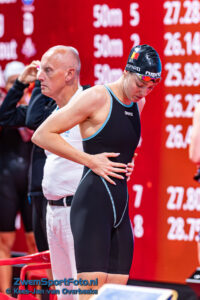
 Florine Gaspard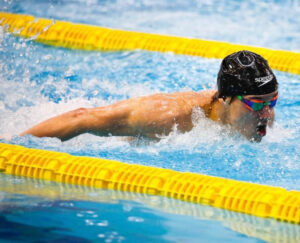
 Ihor Troianovskyi
 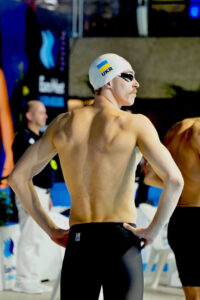 Illia Linnyk
  Imani de Jong
  Josha Salchow
  Kai van Westering
 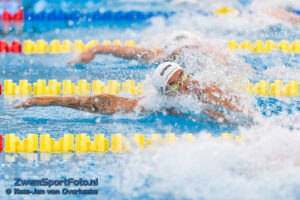 Kenzo Simons
 Kieran Grant
  Kim Busch
  Koen de Groot
  Leni von Bonin
  Lucy Fox
  Maaike de Waard
  Marrit Steenbergen
  Milou van Wijk
  Moritz Bockes
 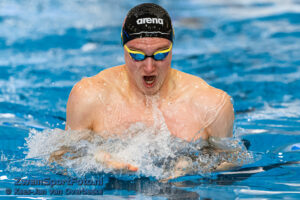 Noah De Schryver
  Noah Verreth
  Perry Laarhoven
Philipp Peschke
Perry Laarhoven
Philipp Peschke 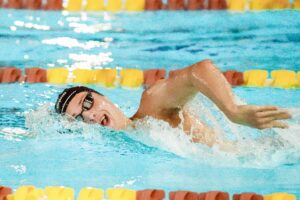 Reece Grady
  Roos Vanotterdijk
  Sam van Nunen
  Sean Niewold
  Tes Schouten
  Tessa Giele
  Thomas Jansen
  Thomas Verhoeven
  Tiago Fonseca Gomes
  Valerie van Roon
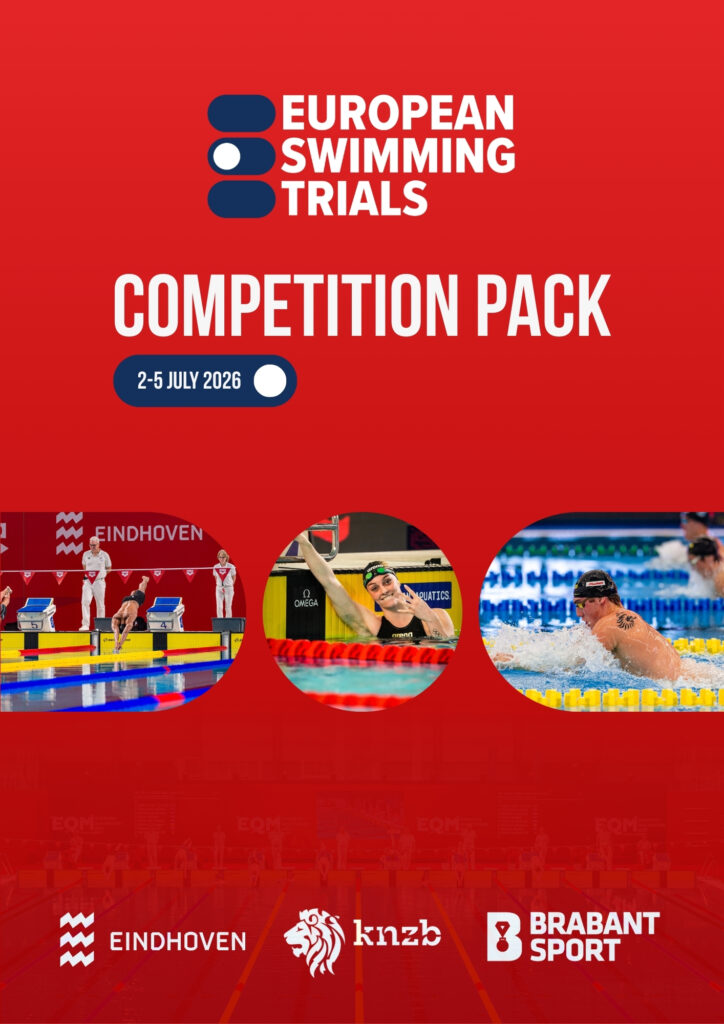
 Competition Pack
Accomodation
Hotels Nearby
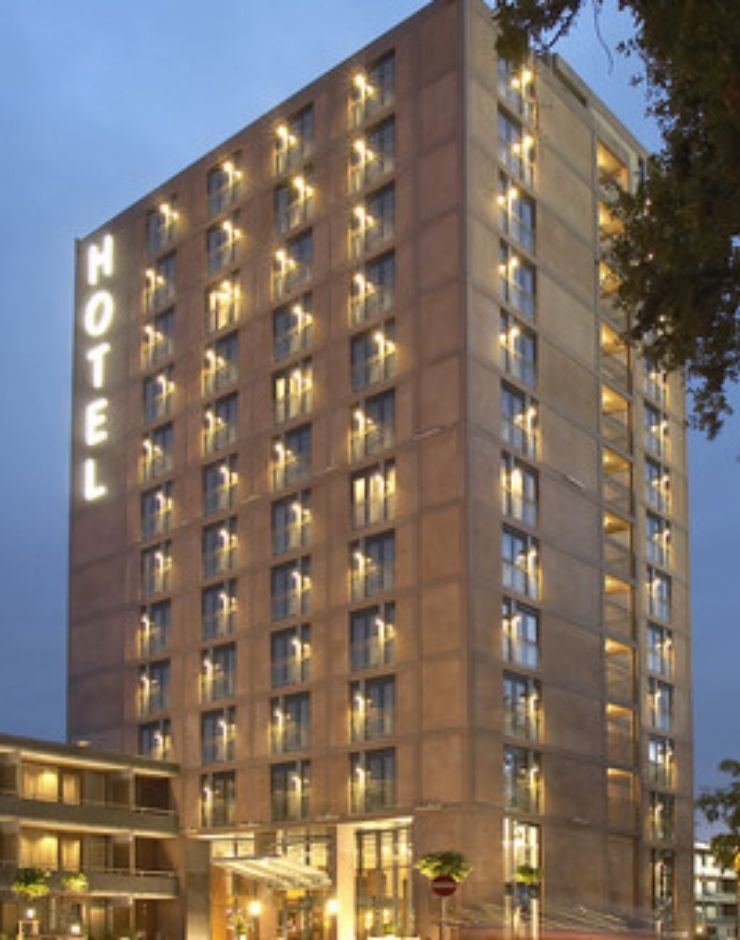
Van der Valk Eindhoven
1 KM ⭐⭐⭐⭐
Stay in the tournament suggested hotel. There is an special price for this meet wich can be aqquired with your reservation. Find the contact details with the buttons below. This hotel offers rooms up to 3 persons.
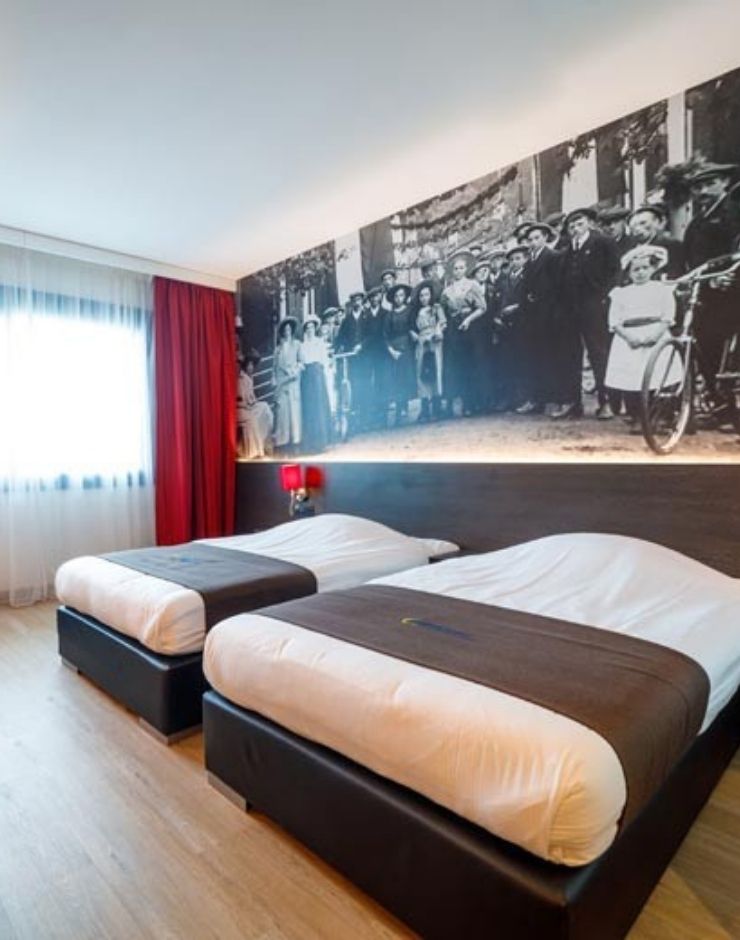
Bastion Hotel Eindhoven
1.9 KM ⭐⭐⭐
At a 20 minute walk, or 5 minute drive by car, you will find Bastion Hotel Eindhoven. This hotel offers 156 rooms in a one or two person occupation. Its possible to book your rooms online.
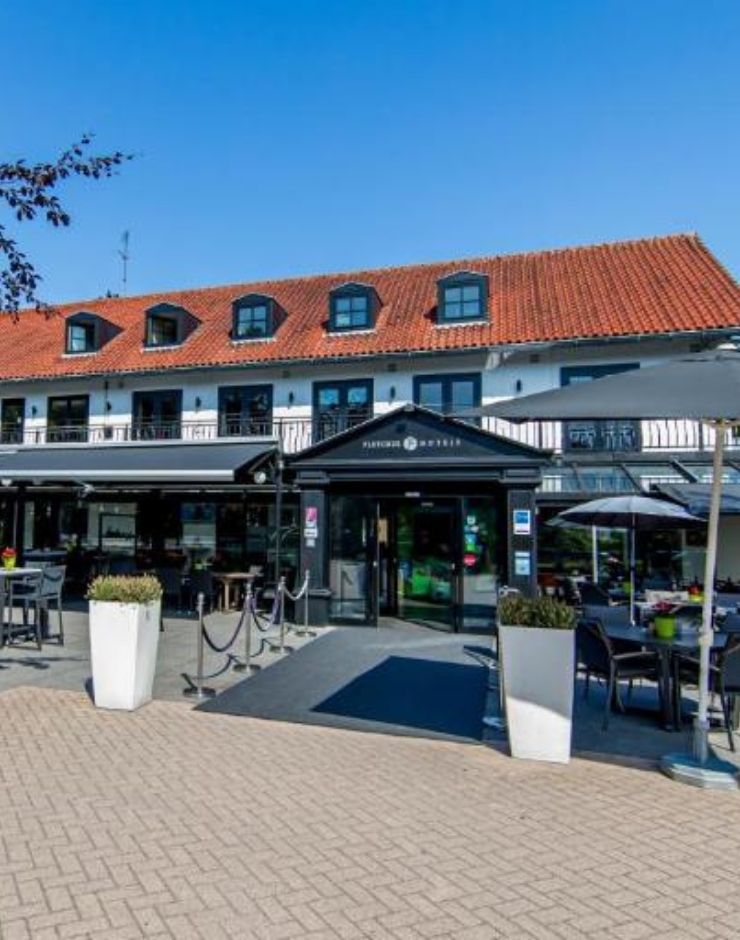
Fletcher Hotel Jagershorst
10 KM ⭐⭐⭐⭐
At this luxury hotel, taking your rest isn’t hard. A few kilometers away from the big city, you can enjoy the peace of the Leenderbos. Inside, you will find comfortable rooms, buffets, and a gym.
The Venue
Who doesn’t like competing in fully equipped venues, completely branded in tournament style, with a great atmosphere and racing under perfect conditions?
Entries
Final entry deadline is Tuesday, 16 June 2026 23:59. (CET)
Entries need to be submitted as Lennex data file created with the Splash Entry editor en send to the competition secretariat.
Dutch athletes can only be registered by their respective club.
Detailed instructions for submitting entries
To submit your entries, please use the Splash entry editor. In case you are not an licensed user of Splah, you can download the free version of the entry editor here.
Install the software on your computer. Go to File > Select Language and choose your preferred language.
Upload the invitation (lxf) file to Entry Editor: File > Open. You will now see the screen where you can select and open the file.
Go to the folder where you saved the invitation (.lxf) file and open the file.
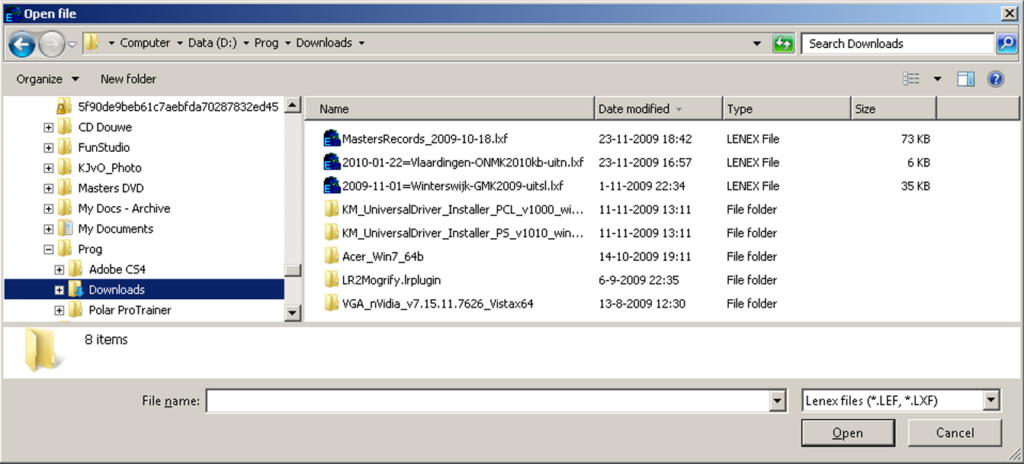
Click on the Events tab. The following screen will be displayed:
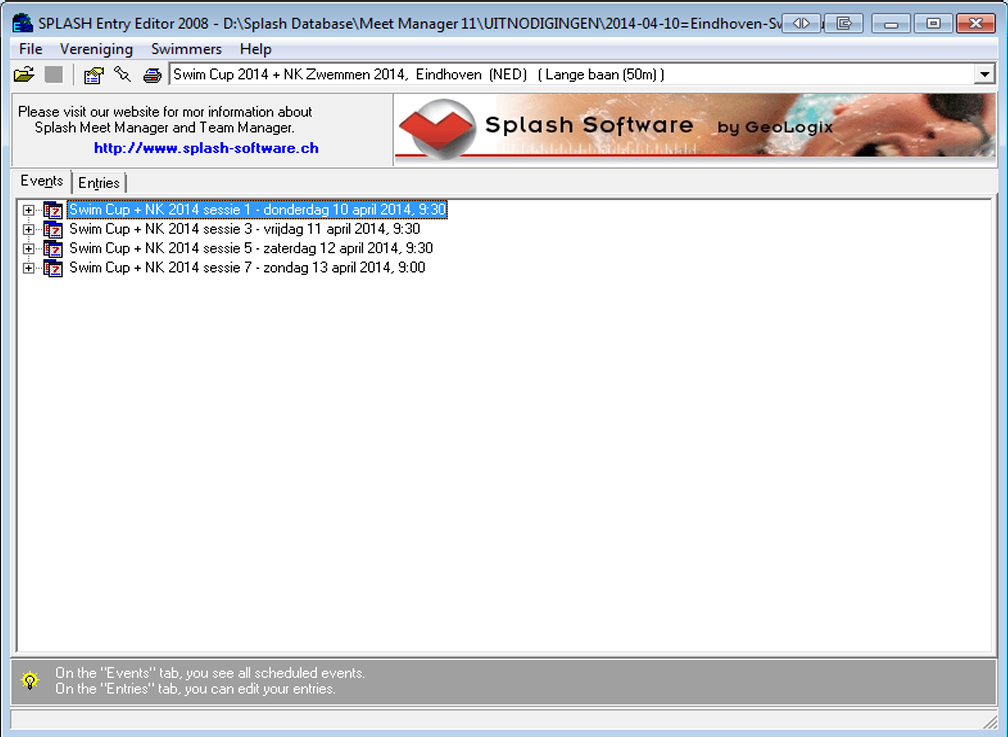
This screen shows all sessions and events that will be swum during the championships. Click on the Entries tab, then go to the menu and select Club > New. The following screen will then be displayed:
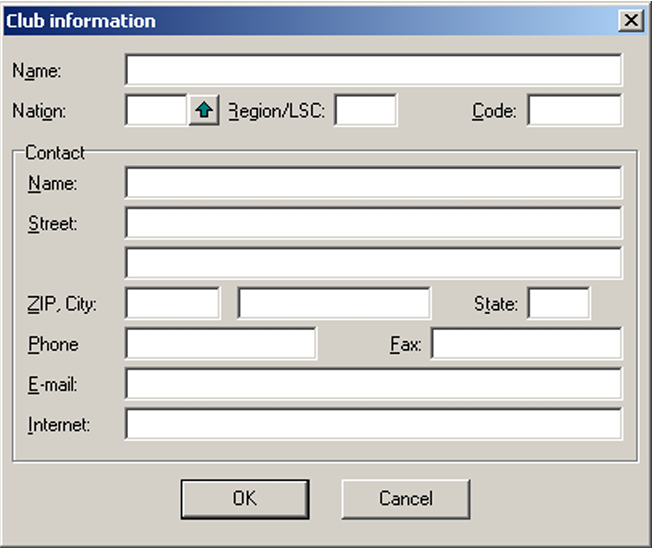
Enter all of your club’s data and click OK.
Then go to Swimmers/New. You will get the following screen:
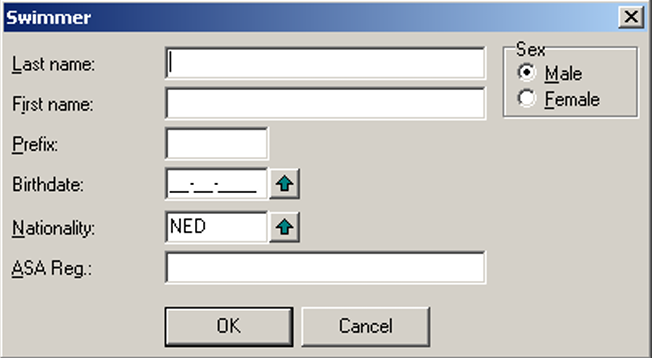
On this screen, enter the details of the swimmer you wish to register. Repeat this procedure for all swimmers you want to enter.
Select the swimmer you want to enter and go to Swimmers > Entries. The following screen will then be displayed:
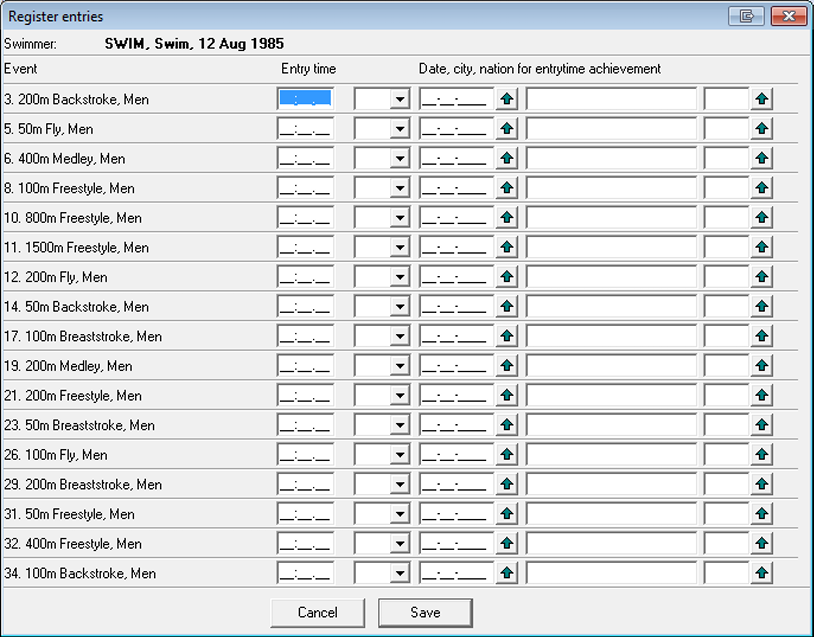
You can see all events in which the swimmer is eligible to participate, provided that the swimmer meets the criteria stated in the conditions outlined in the Competition Pack.
Enter the required details for the events in which the swimmer should be entered and click Save. Repeat this procedure for all swimmers you are entering.
Once you have completed all entries, you can create the entry files that must be sent to the entry address. This includes two files: an .lxf file and a .pdf file.
First, create the LENEX file.
Go to File > Save. The following screen will be displayed:
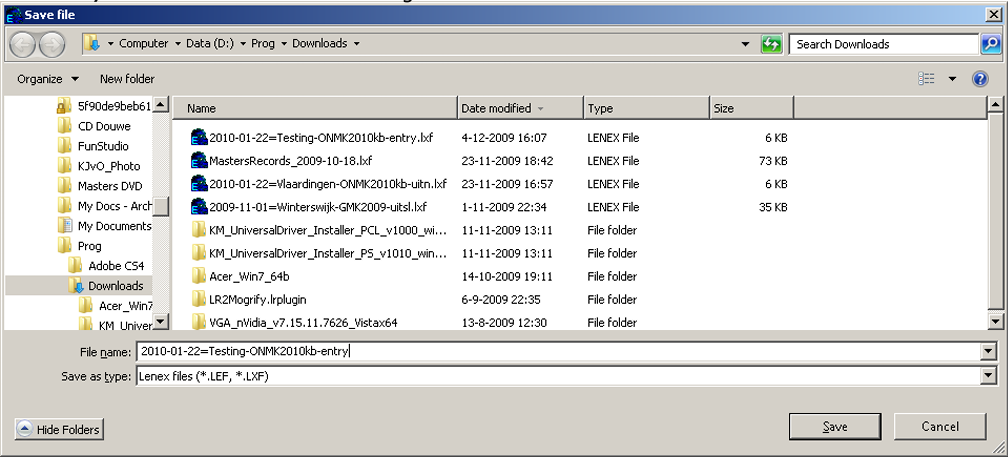
Save the file using the following file name format:
2026-07-02=<clubname>-NKLB2026 inschr.lxf
If you would like to make changes to your entry later, you can reopen this file in Splash Entry Editor.
Next, create the PDF file.
Go to File > Print Entries. The following screen will then be displayed:
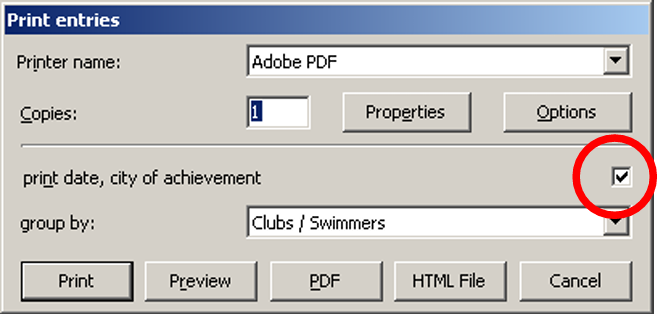
Make sure that the Print date etc. option is checked and that Group by is set to Clubs / Swimmers.
Click on PDF and save the file using the following file name format:
2026-07-02=<clubname>-NKLB2026-inschr.pdf
The created files must be sent with the subject line “Entry European Swimming Trials <Your team name>” to:

Sign up for updates
Enter your details below to get notified when the competition pack and qualifications limits are published.